How to request a residence confirmation on VNeID
Step 1: Sign in to your VNeID account in the app. On the home screen, select Administrative procedures to start the request.
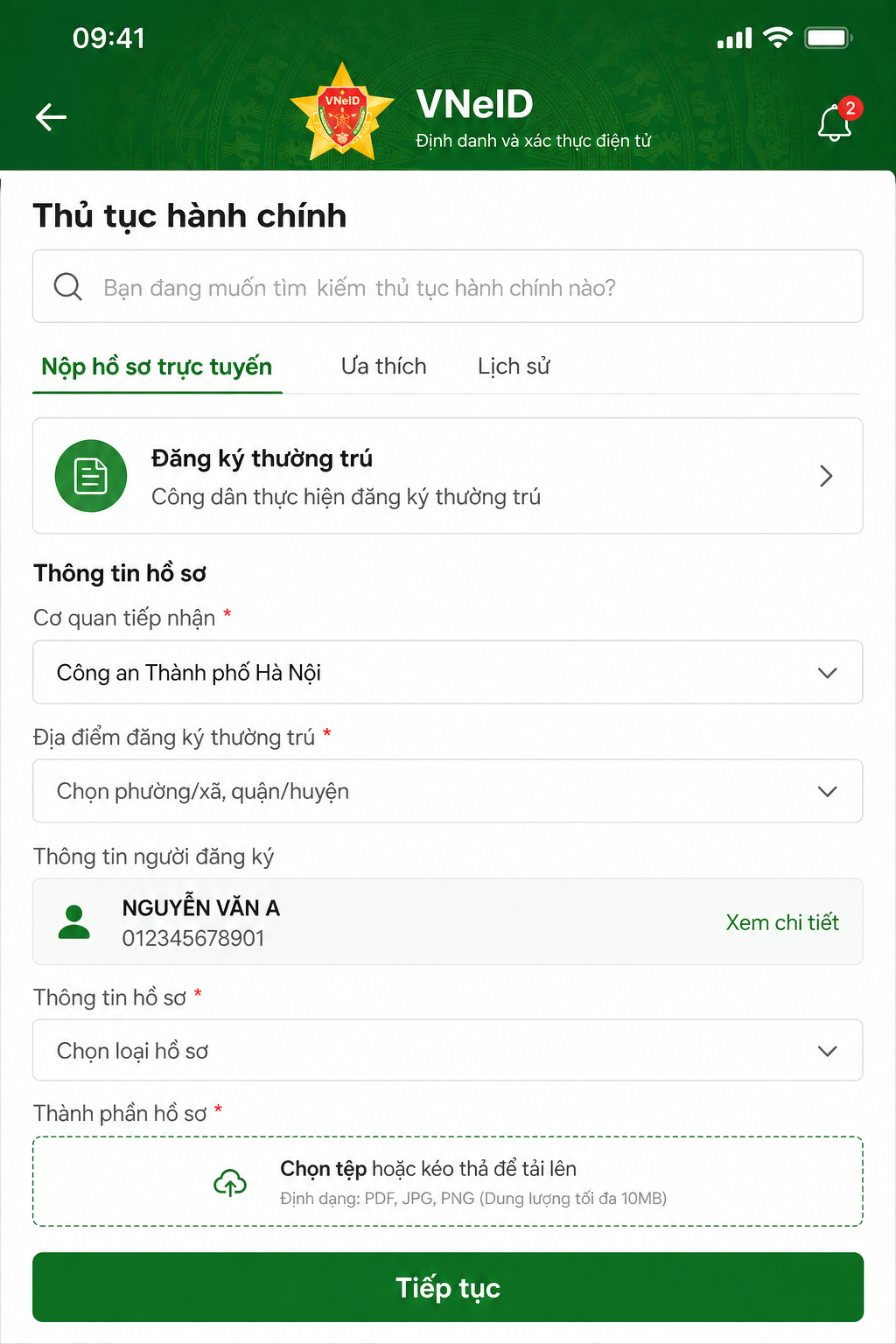
Step 2: Continue to Residence information confirmation. The system will ask for your passcode to verify identity and protect personal information.
Step 3: Tap Create new request, then choose Create for yourself to confirm your own residence information.
Step 4: Enter complete and accurate personal details as required (full name, personal ID number, residence address). Double-check, then tap Submit to finish.