You can register for a Citizen ID card for children under 14 online at home via the VNeID app. Below is a step-by-step guide.
1️⃣ Steps
Step 1: Sign in to the VNeID app
- Use a parent/guardian account (Level-2 identity verified).
- Open the app → select Sign in.
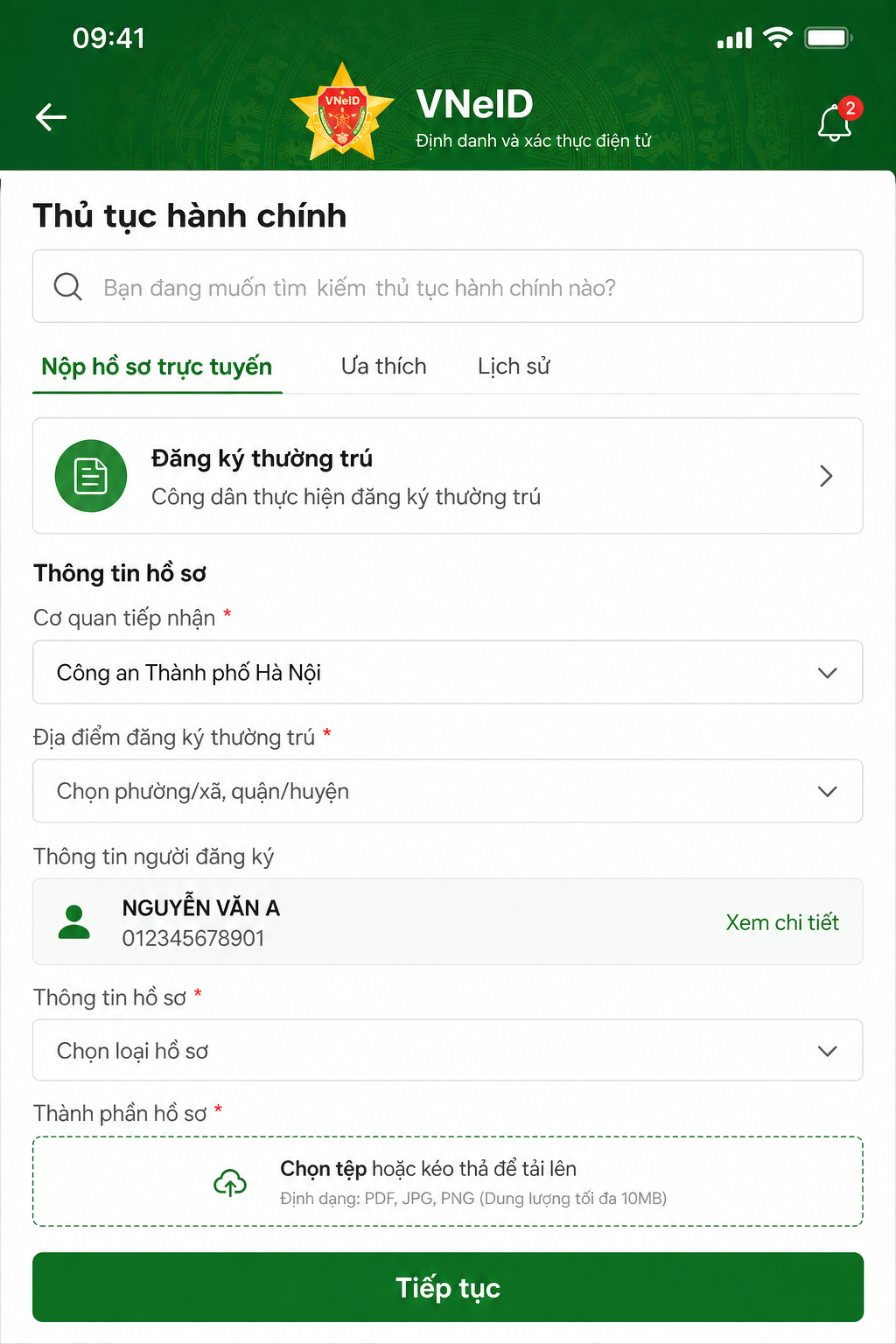
Step 2: Select administrative procedures
- On the home screen → select Administrative procedures → Issue ID card for persons under 14.
Step 3: Verify passcode and create request
- Enter the account’s 6-digit passcode.
- If forgotten, select Forgot passcode to reset.
- Select Create new request.
Step 4: Enter the child’s information
- Enter all child information as guided in the app.
- Select Check information to complete and submit the request.
You have completed the online registration step on VNeID.
2️⃣ Important notes
- Children aged 6 to under 14 must visit the police to take a photo and provide biometrics.
- Children under 6 do not need fingerprints or photos — the process can be fully online.
- The procedure is free under current regulations.
- You may submit dossiers at: 👉 Ministry of Public Security Public Service Portal